Profolify
A visual portfolio builder — the canvas you edit is the site you ship.
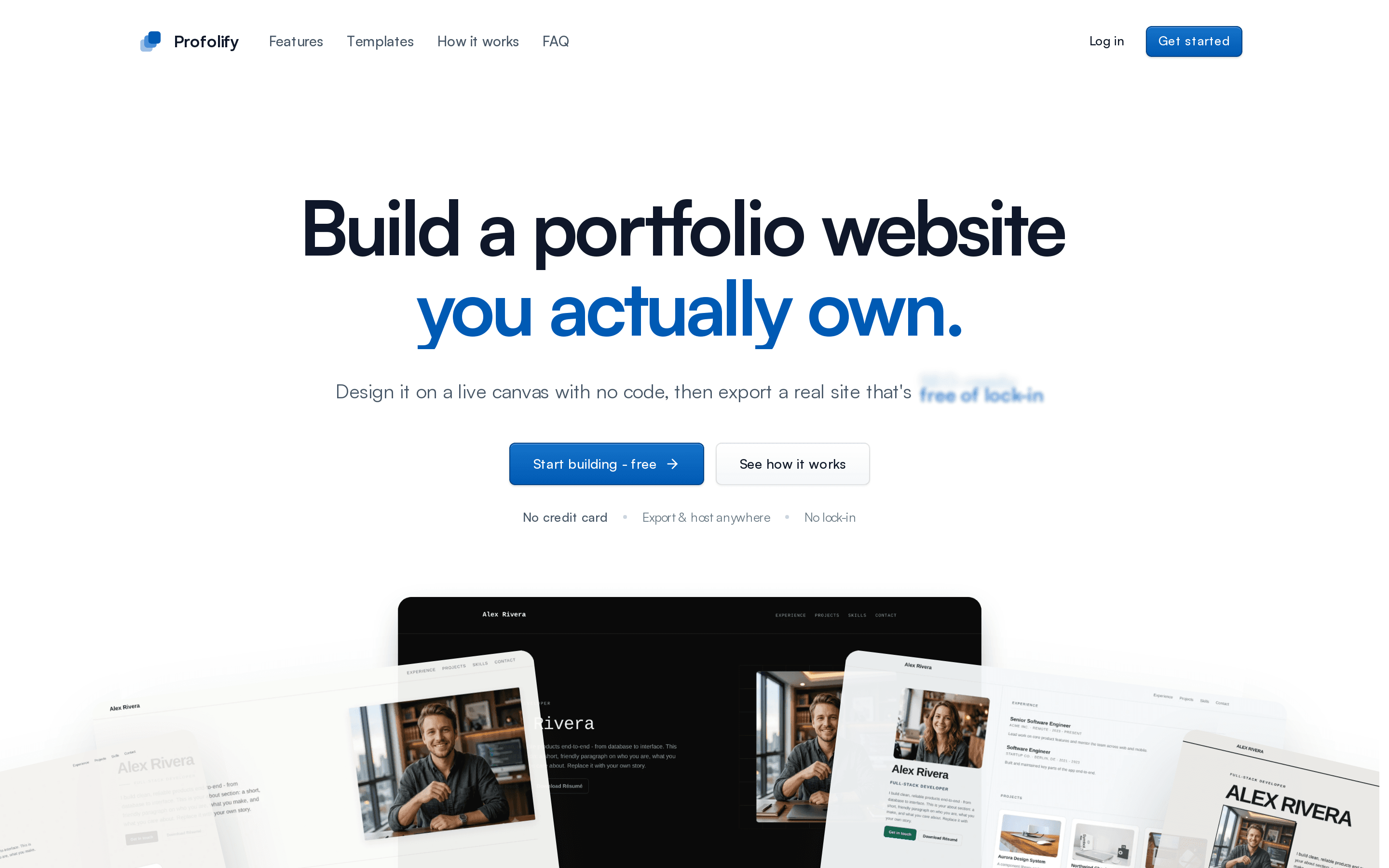
A no-code portfolio builder: pick one of eight templates, edit on a live canvas, publish to a URL or export a static site you own.
- Design + Engineering
- 2026
- In progress
Overview
Profolify lets anyone build and publish a responsive portfolio without writing code. The 2026 revamp rebuilt it around a visual builder: a three-pane editor where you select any part of the page on a live canvas, drop in text, buttons, images and stacks, restyle it per node with separate phone styles, and undo anything. Underneath, a portfolio is data — a profile plus an ordered list of typed blocks — and a template is data too, a set of design tokens. One renderer turns the two into the editor canvas, the published site and the static export, so all three always agree.
Problem
Portfolio builders make you choose: accept a template you cannot really change, or write the code yourself. And the sites they produce are usually hostage to the platform — cancel the subscription and the work disappears.
Approach
Make the canvas the source of truth. You edit the real rendered page, not a settings form beside it, and the export is a real deliverable — a static site the user owns and can host anywhere. Keep content and design as separate data, so switching template never costs you your content.
Architecture
Next.js App Router on Firebase — Firestore for documents, Firebase Auth for Google sign-in, Cloudinary for media. A platform-agnostic core (no React, DOM or Next) holds the Zod schemas, pure document operations, validation, themes and SEO resolution. The editor is a useReducer document with bounded undo history; selection and other throwaway UI live in a small Zustand store; server state in TanStack Query. One PortfolioRenderer serves the canvas, the public page and the export.
Key interactions
- One renderer for the editor canvas, the published site and the static export
- Block + element model: typed sections with a bounded element tree inside each
- Per-node styles compiled to CSS with @container rules for phone overrides — export-safe, no inline styles
- Eight templates as token sets — a new template is one file and one registry line
- SEO metadata resolved once in core, shared by the hosted page and the export
- Page-view analytics counted by our own endpoint — no third-party tracker, no IPs stored
Technical decisions
One renderer, not three
The first version exported by capturing the live DOM from a hidden iframe — a second path that could drift from what the user saw. The revamp removed it: the canvas, the public page and the export all render the same PortfolioRenderer, so what you edit is what you publish is what you download, by construction.
Container queries, not an iframe, for the phone preview
dnd-kit's pointer events do not cross an iframe boundary, which would have split drag-and-drop in two. Styling mobile with @container rules lets a width-constrained canvas re-lay itself out inside one DnD context — and the same CSS ships in the export.
Slot-based layout, not free positioning
Absolute X/Y placement feels powerful in an editor and breaks the moment the screen changes size. Flow layout with Stacks keeps every portfolio responsive, exportable and ready for a future résumé or mobile renderer over the same data.
Additive schema, no migration
Elements and styles are optional fields on existing blocks, and old documents derive their blocks from legacy fields on read. Every portfolio created before the revamp kept rendering without a Firestore migration.
What I took from it
- Export fidelity is the product, not a feature bolted on at the end.
- A visual editor is a state-modelling problem wearing a UI costume.
- A style control that shows a default instead of the real value is worse than no control — most of the polish was making the inspector tell the truth.